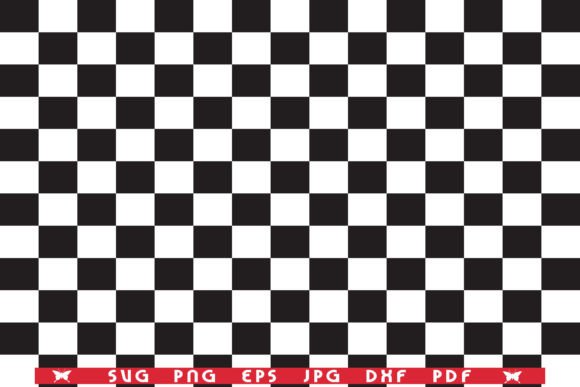
SVG Checkerboard, Seamless Pattern
SVG Checkerboard, Seamless Pattern – Instant Download for Craft & Cutting Projects
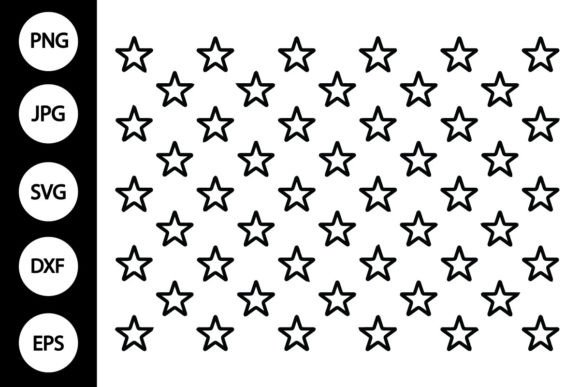
Discover a professionally designed SVG checkerboard seamless pattern that’s perfect for scrapbooking, vinyl cutting, laser engraving, and countless DIY crafts. Delivered as an instant‑download ZIP file, this high‑resolution 300 dpi set gives you both vector and raster formats so you can start creating right away—no waiting, no hassle.
What’s Inside the ZIP File
- SVG – Ideal for Cricut, Silhouette, Brother ScanNCut, and other vector‑based cutting software.
- EPS – Fully editable in Adobe Illustrator, Affinity Designer, Inkscape, and similar programs.
- DXF – Pure vector contour for CAD‑compatible cutters and laser machines.
- PDF – High‑quality vector image ready for print or import into any design suite.
- PNG (transparent background) – 300 dpi raster image for digital overlays, web graphics, or print‑on‑demand.
- JPG (white background) – 300 dpi raster image compatible with Microsoft Office, Adobe Reader, and basic photo editors.
Why This SVG Checkerboard Pattern Stands Out
Our seamless checkerboard design is crafted with crisp lines and balanced contrast, ensuring it tiles perfectly without visible seams. Every file is:
- High‑resolution (300 dpi) for sharp prints and clean cuts.
- Isolated elements—each square can be edited, recolored, or removed individually.
- Optimized for both cutting machines and traditional printing workflows.
- Delivered in the most widely used vector (SVG, EPS, DXF, PDF) and raster (PNG, JPG) formats.
Whether you’re creating custom vinyl decals, fabric appliqués, paper crafts, or digital backgrounds, this pattern gives you the flexibility and quality professionals demand.
How to Use with Cricut & Other Cutting Software
1. Unzip the downloaded folder and open the .svg file in Cricut Design Space (or your preferred software).
2. Select the entire image and click “Ungroup” to separate each checker square.
3. Adjust size, color, or layout as needed—each piece remains fully editable.
4. Send to your cutter, laser, or printer and enjoy a flawless seamless checkerboard result.
Tip: Keep the original ZIP backed up; you can always re‑import the EPS or DXF files for alternative software
📚 You Might Also Like
Commercial License Included